Last updated: 21 October 2026 | By Chris Barnard, Managing Director, Acenteus Accounting
This article is an independent comparison for UK accountancy practices. Acenteus does not sell software and is not paid by any vendor named here. Features and list prices were taken from vendor websites in October 2026 and change often, so confirm them with the vendor before you buy.
The best accounts production software for a UK practice in 2026 is the one that will still work for every client after April 2028, when Companies House will only accept annual accounts filed in iXBRL through commercial software. For most small and mid-sized practices that means a cloud or cloud-hosted tool with automatic iXBRL tagging, FRS 102 Section 1A and FRS 105 templates, a direct link to your CT600 software and pricing that scales by client numbers. TaxCalc, IRIS Elements, BrightAccountsProduction and Capium fit that profile for smaller firms, CCH Accounts Production suits larger firms already on the CCH suite, and Xero Tax is a no extra cost option for simple company accounts if you are a Xero partner.
Search for accounts production software today and you get a vendor PDF, a Reddit thread and a handful of forum posts. Nobody has lined the tools up against the rules that are about to change, so that is what this guide does. It also answers the question vendors will not ask for you: when is better software enough, and when is the real constraint the hours your team has to produce the accounts?
Key takeaways
- The deadline: from April 2028 every UK company must file accounts in iXBRL through software. Companies House web filing and paper filing close for accounts, and abridged accounts disappear.
- More work per set: small companies and micro-entities will have to file a profit and loss account, although they can opt out of publishing it. Expect fuller accounts for clients that file the bare minimum today.
- The shortlist: seven tools cover most UK practices: TaxCalc, IRIS Elements, BrightAccountsProduction, Capium, CCH Accounts Production, BTCSoftware and Xero Tax.
- What separates them: automatic iXBRL tagging, the CT600 link, cloud access for remote or outsourced staff, and how the price grows with your client list.
- The honest limit: software makes each set faster. It does not create preparer hours. If the backlog is people, not tools, change the capacity model as well as the software.
What is accounts production software?
Accounts production software turns a client’s trial balance into statutory year-end accounts. It maps nominal codes to the accounts format, applies the disclosure template for the right framework (FRS 105, FRS 102 Section 1A or full FRS 102), produces the directors’ report and notes, tags the accounts in iXBRL and files them with Companies House. Most products also pass figures to corporation tax or self assessment software, so the CT600 computation uses the same numbers as the accounts.
It is different from bookkeeping software. Xero, QuickBooks, Sage and FreeAgent hold the transactions. Accounts production software takes the year-end trial balance from those systems and produces the statutory output. Some vendors now do both, which is convenient, but the two jobs are still separate.
What changes at Companies House in April 2028?
On 9 June 2026 Companies House confirmed the accounts reforms that had been planned for April 2027 will now start in April 2028. The GOV.UK announcement sets out the main changes:
- All companies must file annual accounts using commercial software, in iXBRL format. This applies to companies that file themselves and to accountants filing as agents.
- Companies House web filing and paper filing close for accounts. Web filing stays open for other filings such as confirmation statements.
- Abridged accounts are removed as an option.
- Small companies and micro-entities must file a profit and loss account, with an option not to publish it on the public register.
- Companies claiming audit exemption will make a strengthened eligibility statement.
Companies House says this gives companies 21 months to prepare. For a practice, the practical point is simpler: any client you currently file through WebFiling, on paper or as abridged accounts needs a software route before their first accounts due after April 2028. The joint HMRC and Companies House online service has already gone, closing on 31 March 2026, so many small practices have already had a first push onto software.
The full background, including the identity verification rules that run alongside these changes, is on the government’s changes to UK company law site. We cover the verification side in our guide to Companies House identity verification for accountants.
What should UK practices look for in accounts production software?
Judge every tool on six things. Feature lists run to dozens of lines, but these are the ones that decide whether the software saves time or just moves it around.
| Criterion | Why it matters in 2026 to 2028 |
|---|---|
| Automatic iXBRL tagging | Software-only filing from April 2028 makes this non-negotiable. Check whether tags are applied automatically and whether you can review and amend them. |
| Framework coverage | FRS 105 and FRS 102 Section 1A for most clients. Full FRS 102, LLPs, charities and groups if you need them, often as paid add-ons. |
| Direct Companies House filing | Filing from inside the software, with status tracking, avoids exporting files and re-uploading. |
| CT600 and self assessment link | One set of numbers for accounts and tax, so the tax computation always matches the filed accounts. |
| Bookkeeping imports | Trial balance import from Xero, QuickBooks, Sage and FreeAgent by API, not only CSV, saves hours at volume. |
| Remote and multi-user access | Cloud or cloud-hosted access, user permissions and concurrent users matter if staff work from home or you use outsourced preparers. |
The last line is the one most comparisons ignore. If any of your accounts are prepared outside the office, by remote staff, by a contractor or by an outsourcing partner, a desktop install on one server becomes a bottleneck. Cloud tools, or desktop tools with a hosted option, let you add a user with the right permissions and remove them just as easily.
Best accounts production software UK 2026: the comparison
The table below compares seven tools on the criteria above. Prices are list prices published on vendor websites in October 2026. Where a vendor does not publish prices, the table says so.
| Software | Deployment | Frameworks | iXBRL and filing | Tax link | Published price |
|---|---|---|---|---|---|
| TaxCalc Accounts Production | Desktop or server, with CloudConnect hosted access as an add-on | FRS 105, FRS 102 1A, LLPs, charities and full FRS 102 as add-ons | Automatic tagging, direct Companies House filing with status tracking | Shares data with TaxCalc Tax Return Production for CT600 | From £156 a year for 12 clients, £350 for 50, £708 unlimited, £163 per extra user |
| IRIS Elements Accounts Production | Cloud | FRS 105 and 102 1A (Essentials), full FRS 102, FRS 101 and groups (Enterprise) | Fixed iXBRL tagging on all tiers, flexible tagging on higher tiers, direct filing | Accounts attached to the CT600 in IRIS Elements Tax | Per user annual fee on Essentials and Professional, minimum 10 clients. Enterprise on request |
| BrightAccountsProduction | Cloud (Microsoft Azure) | FRS 105, FRS 102 1A, full FRS 102, charities and more | One click iXBRL with automatic tags, Companies House submission | Journals from BrightTax for corporation tax | £1,118.40 a year plus VAT for 1 to 50 clients |
| Capium Accounts Production | Cloud | FRS 105 and FRS 102 | Built-in automatic tagging with review, direct filing to Companies House and HMRC | Part of the Capium suite | Not published |
| CCH Accounts Production | Part of the CCH Central suite | Standard and specialist formats | iXBRL tagging and filing supported | Integrates with CCH tax, workflow and practice management | Not published |
| BTCSoftware Accounts Production | Network or standalone install, cloud installation available | FRS 105 and FRS 102 for sole traders, partnerships, small LLPs and companies | iXBRL at the touch of a button, direct Companies House filing | Passes data to BTC Corporation Tax and posts the tax provision back | Not published |
| Xero Tax | Cloud | Company and sole trader accounts. Formatting options are limited | Files XBRL tagged company accounts to Companies House | Prepares and files CT600 and SA100 | No extra cost for Xero partner programme members |
Two notes on reading the table. First, “not published” does not mean expensive, it means you will need a quote, and quotes usually depend on client numbers and modules. Second, every vendor will update its templates and taxonomy for 2028, so the useful question in a demo is not “will you be ready?” but “how will the profit and loss filing and publication opt-out work in your software, and when will we see it?”
Which accounts production software suits which practice?
The right tool depends more on your size, your bookkeeping stack and how your team works than on any single feature.
Sole practitioners and firms with up to about 150 clients. TaxCalc’s banded pricing is the lowest published entry point and covers most small practice work, with hosted access available if you work from more than one place. IRIS Elements Essentials and BrightAccountsProduction are fully cloud alternatives if you would rather not run a server at all. If most of your clients are on Xero and their accounts are simple, Xero Tax costs nothing extra as a partner, but check the formatting limits before you commit your whole book to it.
Growing practices with 150 to 1,000 clients. At this size the deciding factors are multi-user access, review workflow and the tax link. BrightAccountsProduction, IRIS Elements Professional and Capium all run in the cloud, which matters once you have staff working remotely or an outsourced team preparing files. TaxCalc remains strong value on unlimited client pricing, but budget for extra concurrent users.
Larger and multi-office firms. CCH Accounts Production and IRIS Elements Enterprise cover full FRS 102, FRS 101 and group accounts and integrate with a wider practice suite. These are usually bought as part of a suite decision, not on accounts production alone.
Practices with a lot of CICs, charities or LLPs. Check framework coverage carefully. Several tools cover charities and LLPs only through paid add-ons, and some file CICs by a different route.
If you are also reviewing your bookkeeping stack, our guide to the best cloud accounting software for UK practices compares the systems that feed these tools, and our piece on Xero and QuickBooks integrations with an outsourcing partner covers access and permissions.
How should a practice prepare for April 2028?
Start with your client list, not the software catalogue. A practice that knows how each client files today can plan the change in an afternoon.
- Count clients by filing route. Split companies into software filers, WebFiling, paper and abridged. Every client outside the first group moves.
- Count micro and small companies. These are the clients who will file a profit and loss account for the first time. Each set needs a slightly fuller output and a decision on whether to opt out of publication.
- Check your software against the official list. GOV.UK’s guidance on using software to file your company’s information links to the Companies House list of accounts filing software. If your tool is not on it, or a client self-files with a tool that is not, plan the switch now.
- Run one filing season on the new route. Accounts filed between now and April 2028 can already go through software. Move clients across during 2026 and 2027 so the first compulsory season is not your first attempt.
- Plan capacity for 2028 and 2029. Fuller accounts for small companies, plus the clients who used to file abridged, add preparation and review time in the first season. Decide early who will do that extra work.
Step 5 is the one most firms skip, and it is where the real cost sits. Software will tag and file the accounts in seconds. It will not prepare them.
Is better software enough, or should you outsource accounts production?
Better software reduces the time per set. Outsourcing adds hours. They solve different problems, so it helps to put numbers on both before deciding.
Work out your in-house cost per set with three figures from your own records: average preparer hours per set, the loaded hourly cost of the preparer, and the software cost per client. As an illustration, a junior accountant on £32,000 costs about £36,800 a year once employer National Insurance at 15% and pension are added. Spread over around 1,650 productive hours, that is roughly £22 an hour. If a small company set takes five hours to prepare, the in-house preparation cost is about £110, plus a few pounds of software per client, before your review time.
| Scenario | In-house cost per set (illustration) | What actually limits you |
|---|---|---|
| Your team has spare hours most of the year | About £110 to £120 for a five hour set | Software speed. Better templates and imports pay off |
| Your team is full from January to March and again after year ends | The same, but files queue for weeks | Peak capacity. Outsourcing the overflow avoids late filing |
| You cannot recruit a preparer at all | No in-house option | People. Outsourcing or a dedicated offshore preparer is the only route |
For comparison, published market ranges for outsourced per job pricing run from about £60 to £120 for micro-entity accounts and £120 to £300 for full limited company accounts with tax computations, as we set out in our accounting outsourcing pricing models guide. That is not always cheaper per set than doing it yourself. What it buys is hours you do not have, at the time of year you need them, without a permanent hire.
So the decision rule is simple. If your files wait for software, buy better software. If your files wait for people, add capacity, and choose a cloud tool that lets that extra capacity log in safely. Our complete guide to accounts outsourcing in the UK covers how the handover works in practice, and our article on solving year-end bottlenecks with outsourcing shows where the queue usually forms.
What else is changing for accounts production in 2026?
April 2028 is the headline, but three other changes affect what your software has to produce.
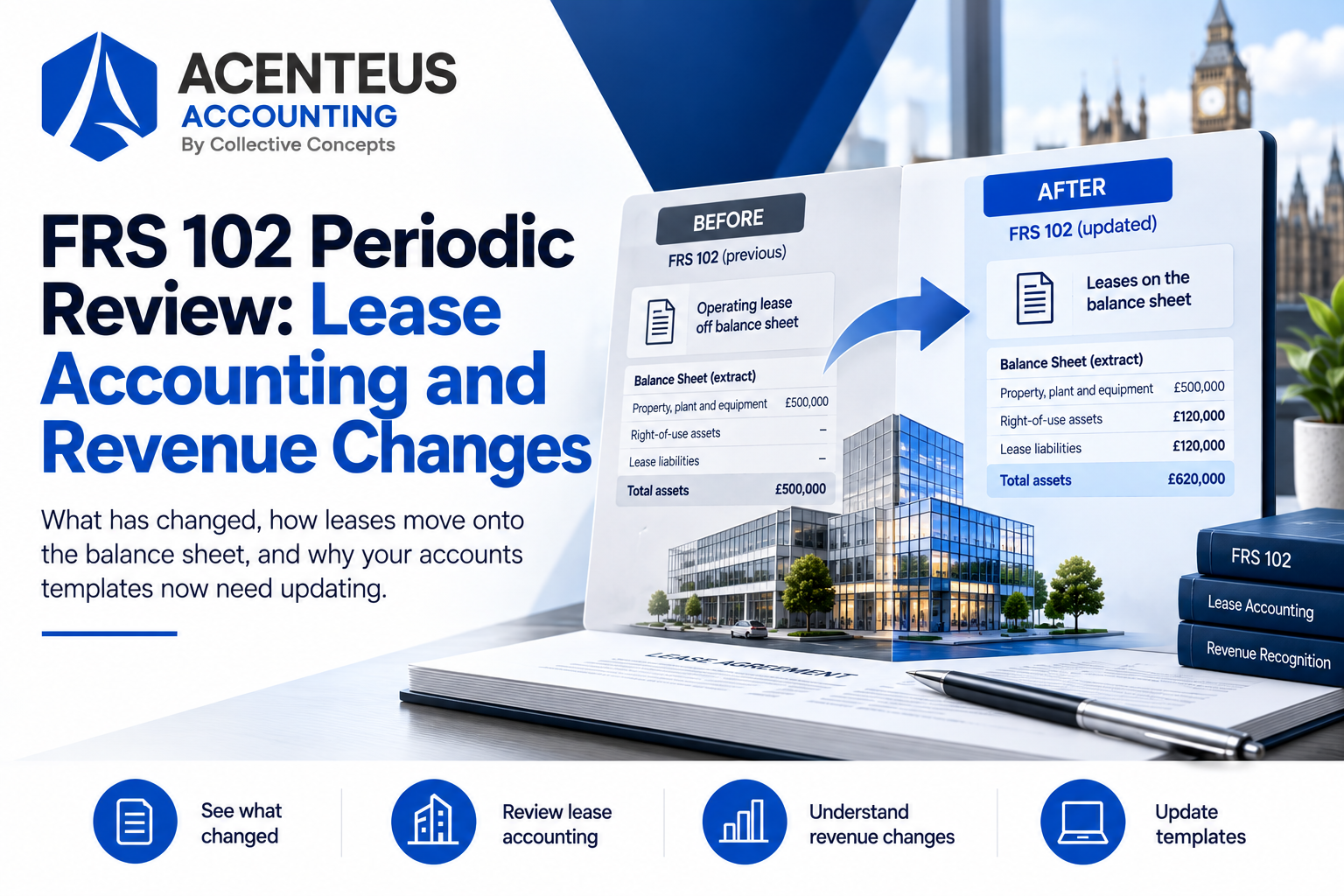
The periodic review of FRS 102 brought in new lease accounting and revenue recognition rules for periods beginning on or after 1 January 2026. Check that your templates and disclosure checklists reflect them. We cover the detail in FRS 102 changes to lease accounting and revenue.
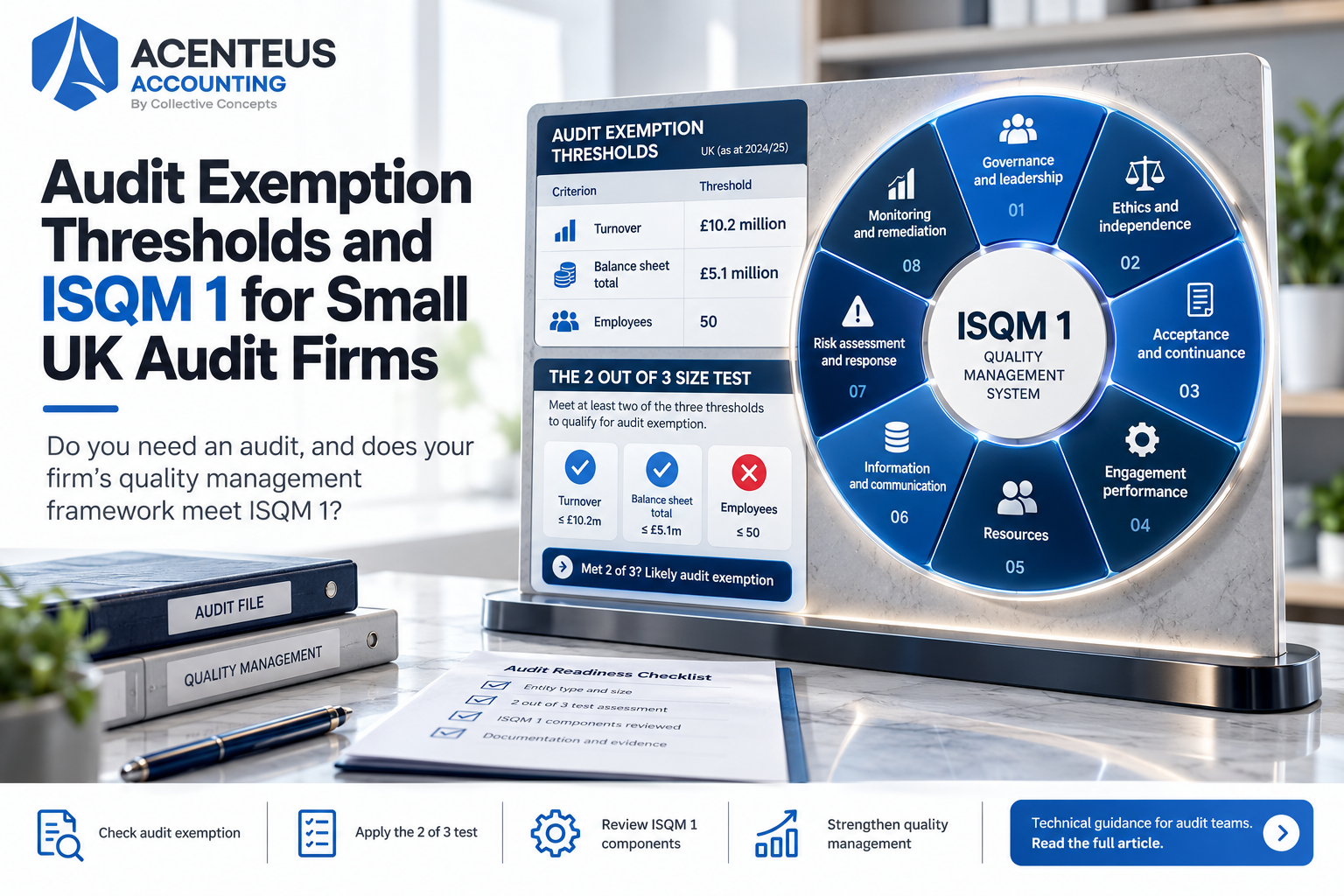
The company size thresholds rose for periods beginning on or after 6 April 2025, which moved some clients into smaller categories and changed their audit exemption position. Our guide to audit exemption thresholds and ISQM 1 for small audit firms explains the knock-on effects.
And Making Tax Digital continues to widen. It does not change statutory accounts directly, but it changes how clients keep records and when you receive them. Our article on Making Tax Digital for corporation tax sets out where that stands.
How Acenteus Accounting helps
We do not sell software, and we work in whichever accounts production tool your practice already uses. Our accountants prepare year-end accounts for UK practices under FRS 105, FRS 102 Section 1A and full FRS 102, with tax computations and a review note listing queries, assumptions and anything that needs a partner’s judgement. Your team reviews, signs and files.
Acenteus is a UK company based in Brighton, and the preparation work is done by experienced accountants in our dedicated delivery centres in India under UK oversight. We have more than 100 accounting professionals and finalise more than 5,000 sets of accounts a year. Practices use us in two ways: a dedicated accountant or team working only on their clients, or hourly support for peaks such as the run up to 31 January and the months after common year ends.
If the April 2028 changes are going to add hours you do not have, that is the conversation to have now, not in March 2028. See how it works on our accounting outsourcing for UK accounting firms page, or send us your year-end volumes and we will suggest a first batch.
Frequently Asked Questions (FAQ)
There is no single best tool. For small practices, TaxCalc has the lowest published entry price and IRIS Elements, BrightAccountsProduction and Capium are fully cloud based. Larger firms on a full suite often use CCH Accounts Production or IRIS Elements Enterprise. Xero partners can use Xero Tax at no extra cost for simple company accounts.
Yes, from April 2028. Companies House confirmed on 9 June 2026 that all companies must file annual accounts in iXBRL using commercial software, and that web and paper filing will close for accounts.
Yes. The option to file abridged accounts is removed as part of the April 2028 changes.
From April 2028, yes. Small companies and micro-entities must file a profit and loss account with Companies House, but they can opt out of having it published on the public register. Companies House will confirm how the opt-out works.
Inline XBRL is a format that puts machine-readable tags inside a human-readable accounts document, so Companies House and HMRC can read the figures automatically. Accounts production software applies the tags when it produces the accounts.
Cloud software is easier for remote staff and outsourced preparers to access, needs no server and updates automatically. Desktop software can be faster for very large files and suits firms that want data on their own servers. Several desktop products now offer hosted access, which closes most of the gap.
Yes. Most cloud tools let you add a user with set permissions, and desktop tools can be accessed through a hosted service. Give outsourced staff their own named logins so every change is traceable.
Published list prices in October 2026 range from £156 a year for 12 clients on TaxCalc to £1,118.40 a year plus VAT for up to 50 clients on BrightAccountsProduction. Several vendors only quote on request, and Xero Tax is included for Xero partners.